
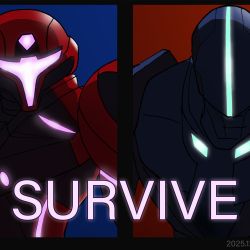

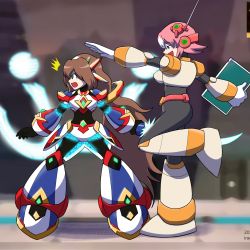
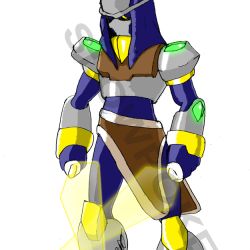
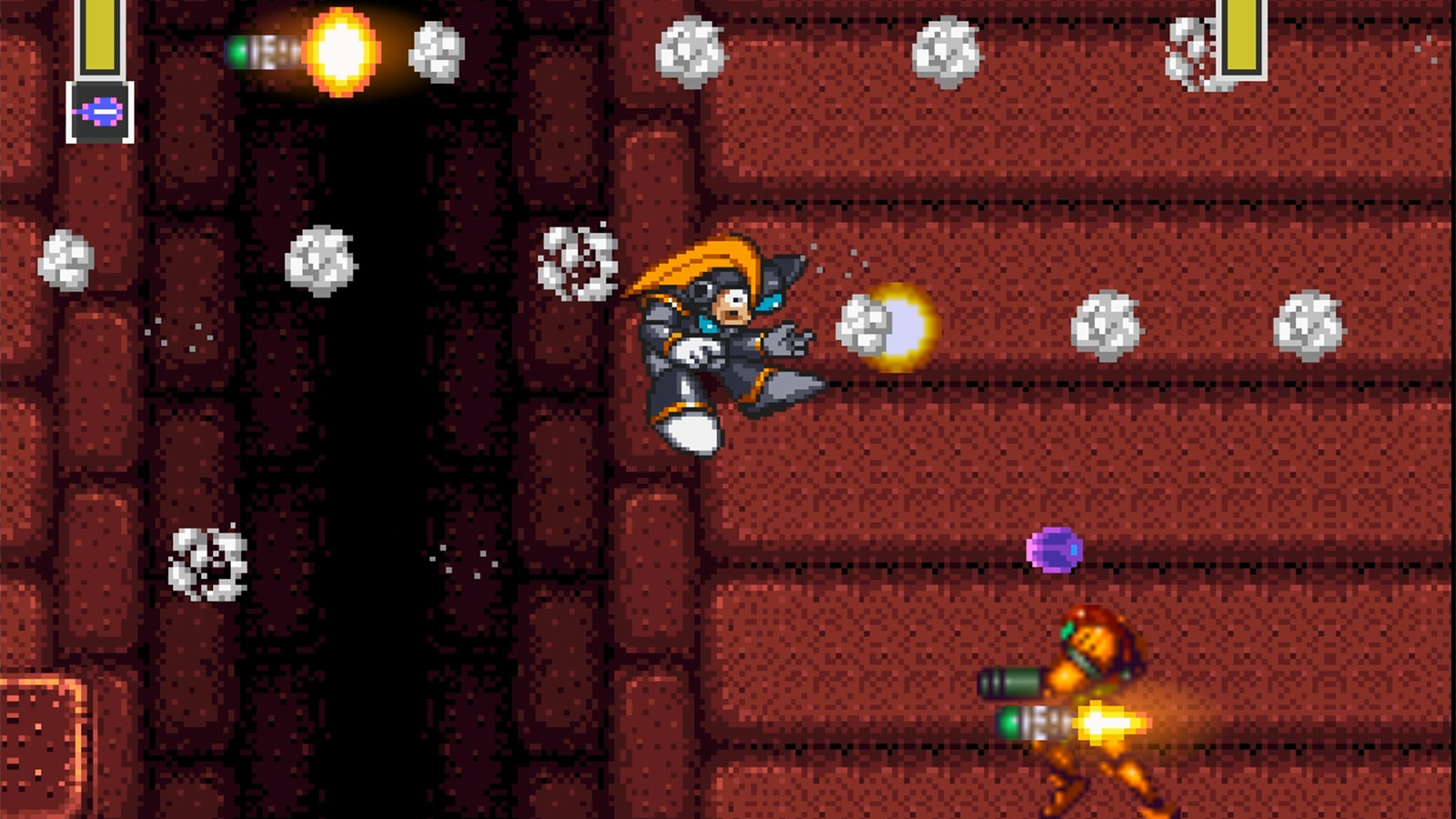
Fixed a bug in Bass Abyss where Level 14 was not loading. Level 14 is the classic Bass vs Samus level.
I published a video many years ago here:
Maintaining an old game like Bass Abyss has become a sort of challenge I like to try every other year, just to check if modern platforms can even run the tools I used many years ago. For instance, Windows 11 is still able to run Macromedia Flash 8 Professional, which is quite impressive. Other tools like Java and Apache Ant are at least somewhat well supported and not going anywhere. Ruffle, which is the runtime environment responsible for running the game, is a moving target. There is always the risk that something will break every time I upgrade Ruffle. Level 14 worked perfectly fine with the original Flash Player. With Ruffle, not so much.
Something I find annoying is the Windows pop-up dialogues that emerge when doing gaming-related keystrokes, like the Sticky Keys pop-up, or the Change Input Language shortcut. Unfortunately, there is no quick fix other than digging into Windows to disable those “features” or changing the controls within the game. It’s the same problem with every new computer.
Modern keyboards also come with cramped layouts that have some keys positioned in weird places or missing altogether. That’s another thing I did not foresee when I was happily designing the game input back then.
That’s it for this update. Just a quick one after doing some play testing on a new computer.
Have fun!